"Ad intelligence" and "ad spy" get used interchangeably, and that's why so many teams buy the wrong tool. They are two different jobs.
Ad spy is a creative job: find the hook, save the video, brief the next test. Ad intelligence is a monitoring job: know which channels a competitor is buying, roughly what they're spending, where the traffic lands, and when that changes.
This guide covers the second job. If what you actually want is a swipe file of winning creative, read our best ad spy tools roundup instead. It compares the same market from the creative angle, with a different shortlist.
The short answer
If you need live, cross-channel signal across Meta, TikTok, Google, Instagram and YouTube in one workspace, WhatWins is the strongest pick, from $39/mo with flat team pricing. If your work is search-first, SpyFu and SEMrush have the deepest Google history. If you need display and programmatic spend estimates for a media plan, Adbeat and Sensor Tower are the category standards, at enterprise prices. If you just need to check one advertiser today, the free first-party libraries from Meta and Google are enough.
What ad intelligence tools actually measure
Every tool in this category is inferring something from public data. Knowing which inference you're buying matters more than the feature list.
Channel coverage
No tool covers everything. Search-focused platforms rebuild keyword and copy history from SERP scraping. Social-focused platforms read public ad libraries. Display tools use panel data and ad-server signals. A tool that claims all of it usually does one well and the rest thinly.
Data freshness
This is the split that decides most purchases. An archive tells you what ran; a live feed tells you what is running. For a quarterly competitive review, an archive is fine. For deciding what to test next week, staleness is the whole problem.
Spend estimates
Treat every spend number as directional. These are modelled from impressions, panel data and assumed CPMs, not from anyone's ad account. They're useful for relative comparison ("this competitor scaled 3x") and misleading when quoted as fact.
Longevity
The single most useful signal in the category, and the most often missing. An ad that has run for four months survived somebody's optimisation. One that appeared yesterday proves nothing. Check whether the tool records first seen independently, because Meta's own start date resets when an advertiser relaunches a creative.
Landing page and offer capture
Knowing the ad is half the picture. Knowing which page it points to, and what the offer was on that page, is what makes the finding actionable.
The best ad intelligence tools in 2026
1. WhatWins — best for live cross-channel monitoring
WhatWins is built around the freshness problem. It tracks live ads across Meta, TikTok and Google, and pairs them with organic breakouts on Instagram, TikTok and YouTube, so paid and organic sit in one view rather than two subscriptions.
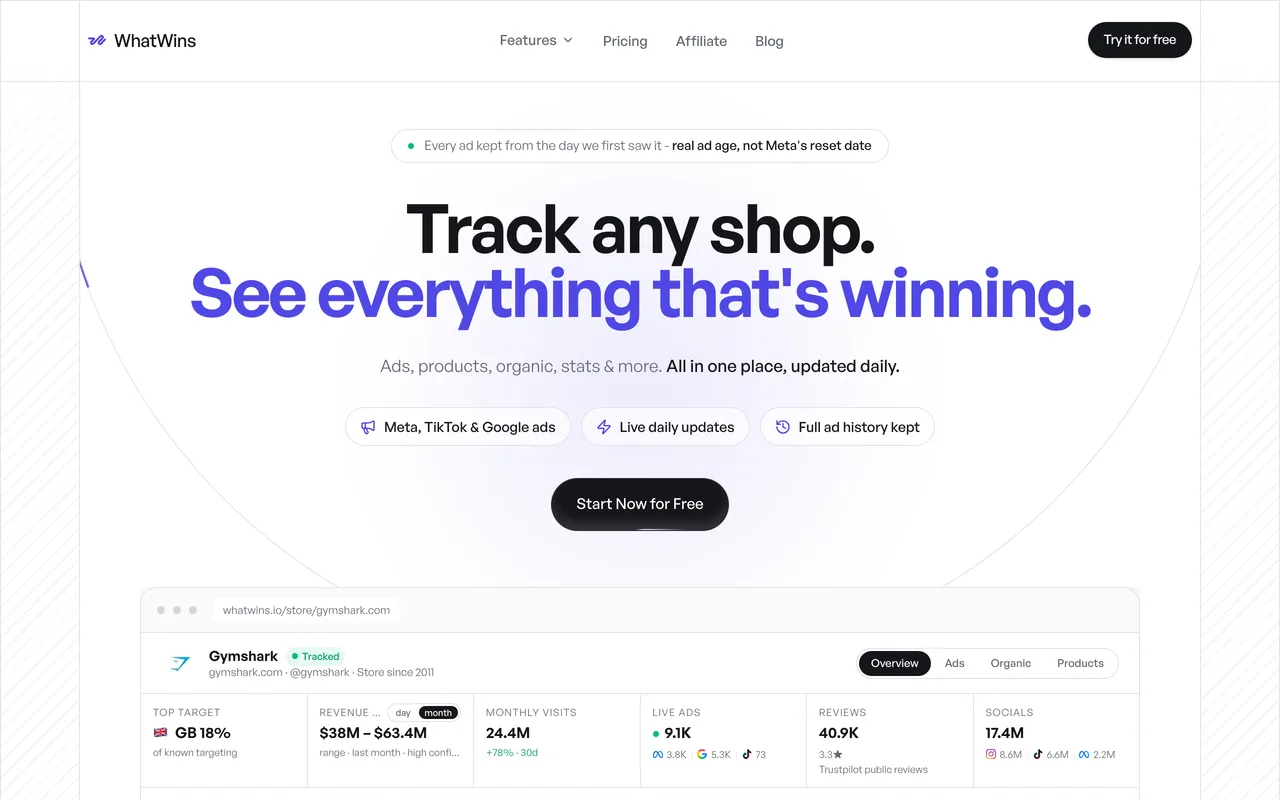
The part that matters for intelligence work rather than swipe work: every ad is kept from the day we first saw it, so ad age is real rather than inherited from Meta's resetting start date. A Shop Tracker dossier connects those ads to the store behind them — products, traffic estimates, markets, so a creative finding lands next to the commercial context.
There's also an MCP server, which is unusual in this category: you can query the same verified data from Claude, ChatGPT or Cursor instead of exporting CSVs.
Best for: ecommerce brands, agencies and growth teams that need current signal across channels. Watch for: it's built for live monitoring, not for deep multi-year Google Ads forensics — pair it with SpyFu if you need that. Pricing: Starter $39/mo, Pro $79, Business $149, around 30% off annually. Team seats are flat, not per-user.
2. SEMrush Advertising Toolkit — best if you already pay for the SEO suite
If SEMrush is already in your stack, its advertising research is the cheapest incremental ad intelligence you can get: competitor PPC keywords, ad copy, and a history view that shows which months a rival was active.
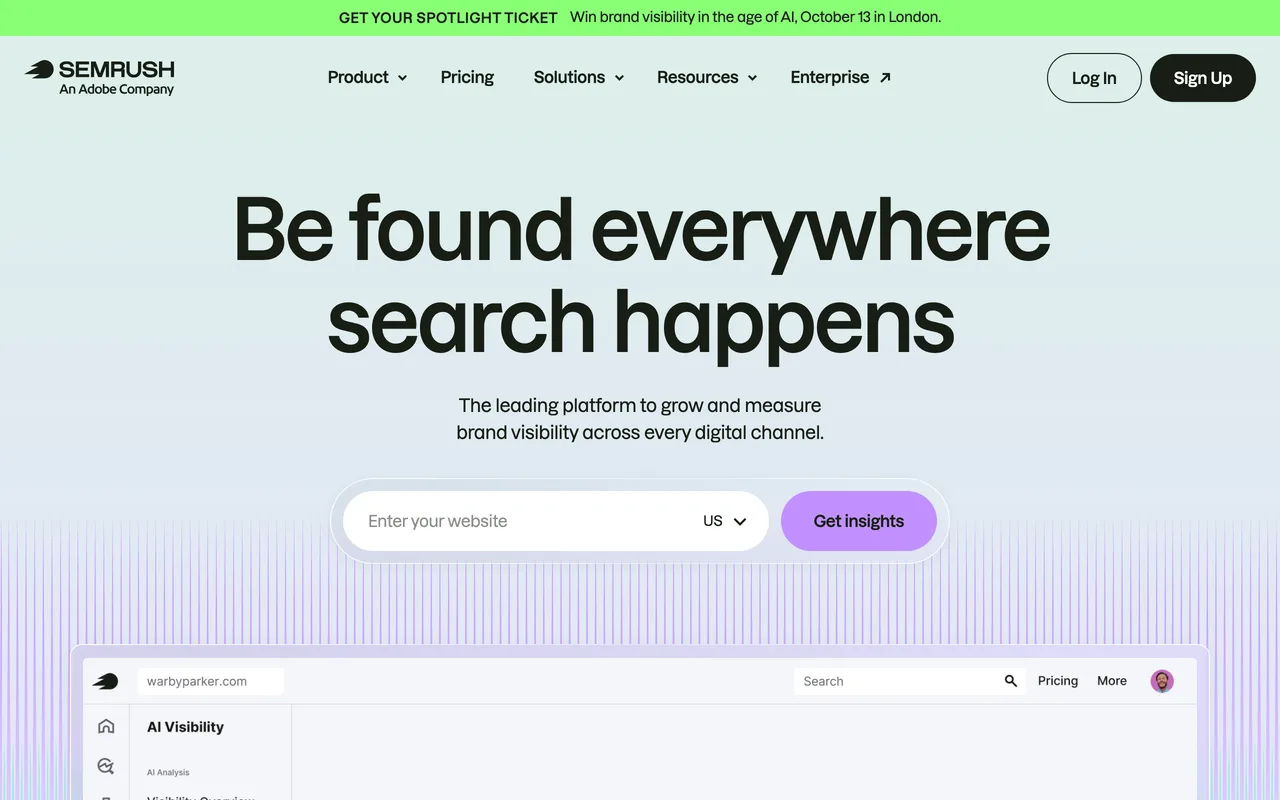
That seasonality view is the underrated feature. Comparing a competitor's active months against your own sales calendar is a better budget input than any single creative.
Best for: SMBs and agencies already running SEMrush for SEO. Watch for: you're paying for a broad suite. If ad research is the only job, the per-insight cost is high. Display and social coverage sits on higher tiers.
3. SpyFu — best for long-range Google Ads history
SpyFu's advantage is time depth. It holds many years of Google Ads keyword and copy history, which lets you see how a competitor's messaging converged rather than just where it landed.
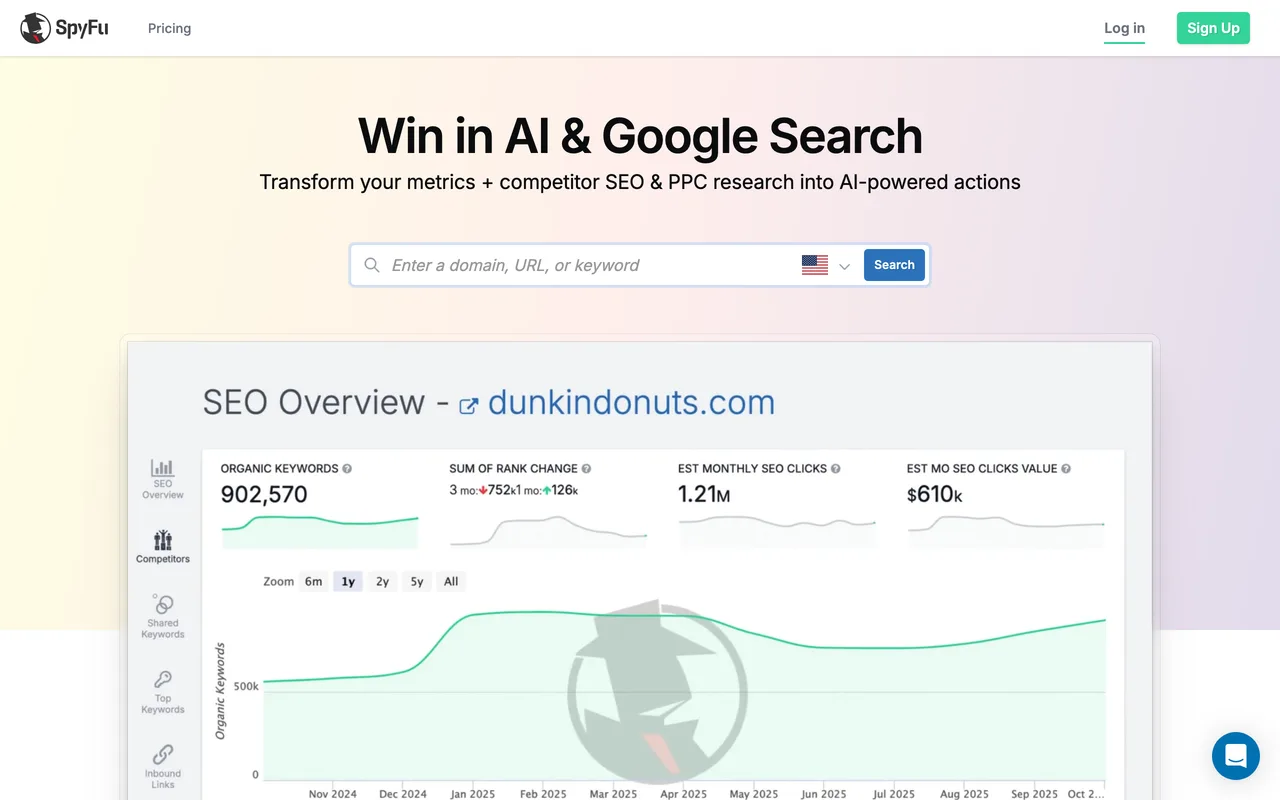
That's genuinely different from looking at today's ads. A polished current ad tells you the answer; the history tells you which answers were discarded first.
Best for: PPC specialists doing search forensics and keyword-gap work. Watch for: it is search-centric. Short-form video and social creative aren't the job here.
4. Adbeat — best for display and programmatic
Adbeat is one of the few tools that takes display seriously: publisher placements, ad networks, creative rotation and estimated display spend.
If your competitive question involves banner buying, native placements or which publishers a rival is funding, this is the category standard rather than a bolt-on.
Best for: media buyers and agencies planning display or native campaigns. Watch for: enterprise pricing, and display is a smaller slice of most ecommerce mixes than it used to be.
5. Sensor Tower (Pathmatics) — best for enterprise media planning
Sensor Tower's Pathmatics data is what large brands and agencies cite when they need a defensible share-of-voice number across digital channels.
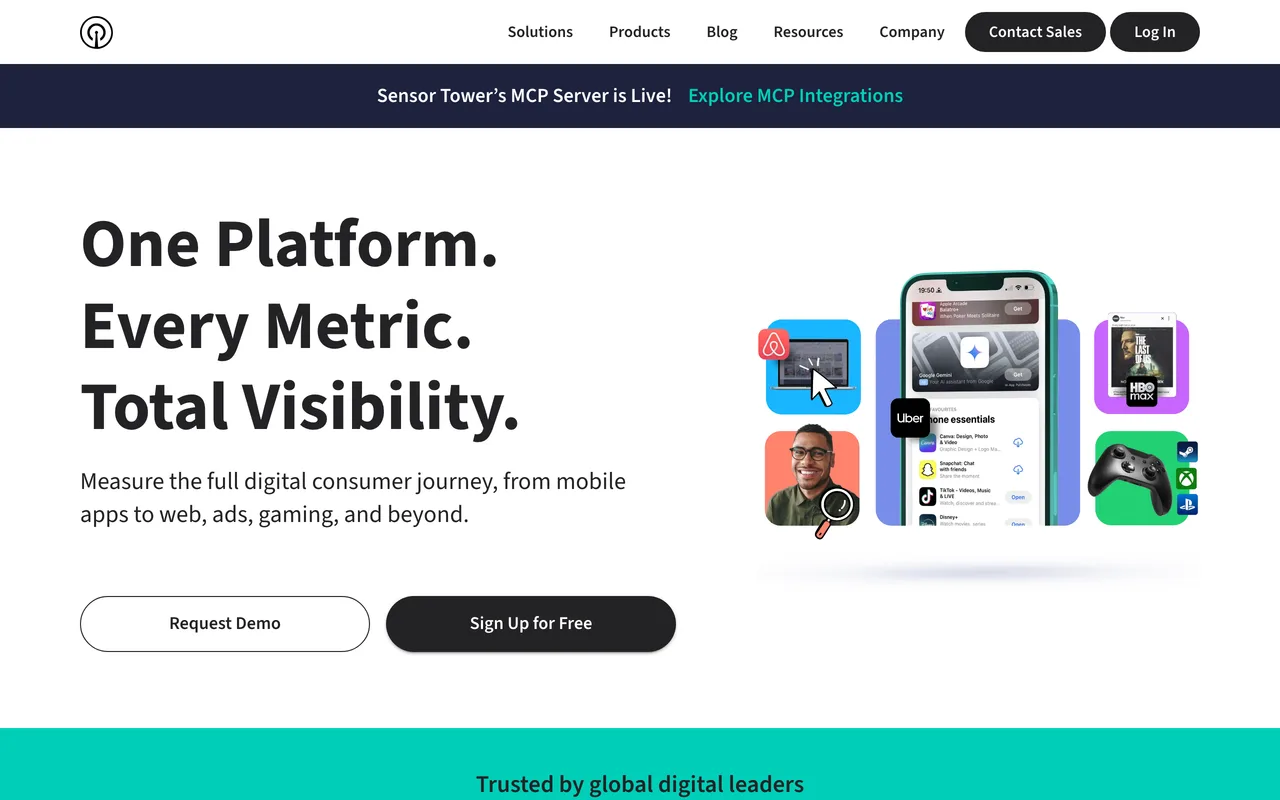
The value is coverage breadth and the fact that it's an accepted reference in agency reporting. The cost is that it's priced for organisations with a research budget, not for a growth team checking five competitors.
Best for: enterprise brands, large agencies, competitive-intelligence teams. Watch for: cost and contract length. Overkill if your shortlist is under twenty brands.
6. AdSpyder — best for connecting the ad to the landing page
AdSpyder's angle is funnel continuity: it looks at competitor ads alongside landing pages and messaging rather than stopping at the creative.
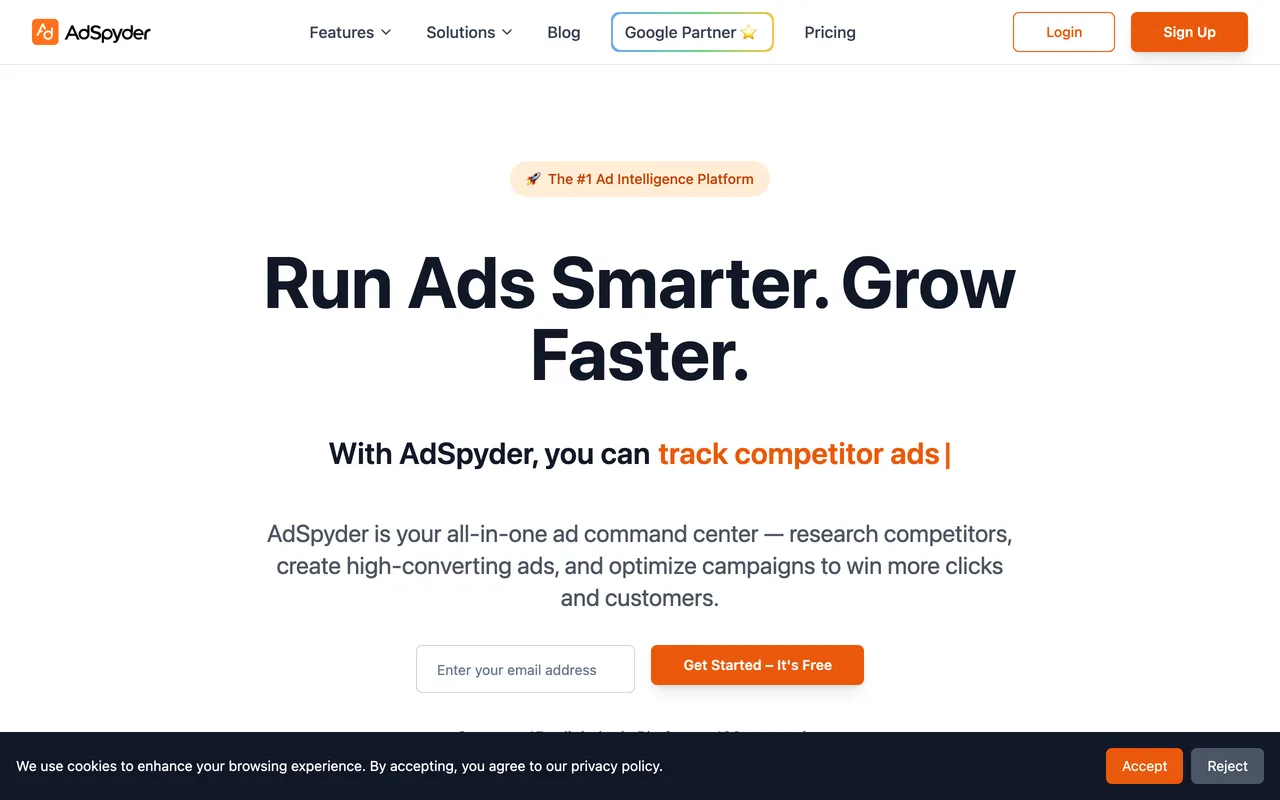
That surfaces a specific and common failure, an ad promising one benefit while the page it points to leads with another. That's a useful thing to catch in a competitor and an even more useful thing to catch in yourself.
Best for: brand and growth teams auditing full funnels. Watch for: a smaller creative library than the big social-focused databases.
7. Meta Ad Library — best free check on a known advertiser
Meta's own library is first-party, free and authoritative for what a brand is running on Facebook and Instagram right now. For checking one competitor before a meeting, nothing beats it.
Its limit is workflow, not data. There are no alerts, no cross-brand monitoring and no history beyond what Meta chooses to expose. Our Facebook Ad Library guide covers how to read ad longevity there without mistaking every visible ad for a winner.
Best for: free spot checks and verifying that a competitor is actually live. Watch for: manual work scales badly past a handful of brands.
8. Google Ads Transparency Center — best for advertiser verification
Google's equivalent lets you confirm which ads a verified advertiser has run across Google properties. Like Meta's library, its value is that it's first-party: it settles the question of whether a competitor is actually advertising, rather than estimating it.
, verified advertiser lookup](/blog/tools/google-ads-transparency.webp)
Best for: verifying an advertiser before you trust a third-party estimate. Watch for: no keyword-level depth, no spend data, no monitoring.
Ad intelligence tools compared
| Tool | Primary channel | Live signal | Spend estimates | Entry price |
|---|---|---|---|---|
| WhatWins | Meta, TikTok, Google + organic | Yes | Traffic and revenue ranges | $39/mo |
| SEMrush | Google search, some display | Partial | Yes | Suite pricing |
| SpyFu | Google search | Archive-led | Yes | Mid |
| Adbeat | Display, native | Yes | Yes | Enterprise |
| Sensor Tower | Cross-channel | Yes | Yes | Enterprise |
| AdSpyder | Social + landing pages | Yes | Limited | Low to mid |
| Meta Ad Library | Meta | Yes | No | Free |
| Google Transparency | Yes | No | Free |
Prices and coverage move. Check the vendor before committing to a contract.
How to pick without overbuying
Start from the decision, not the feature list.
- "What should we test next week?" You need live cross-channel signal. Start with WhatWins.
- "How has this competitor's search messaging evolved?" You need archive depth. SpyFu, or SEMrush if you already pay for it.
- "What's our share of voice this quarter?" You need panel data. Adbeat or Sensor Tower.
- "Is this brand even advertising?" You need thirty seconds and a free library.
Then run one competitor and one market through whichever you shortlist. Check that the tool shows the creative, the date range, the channel and the landing page. If a field is unknown, it should say unknown, a tool that renders missing data as zero will quietly mislead you for months.
Frequently asked questions
What's the difference between ad intelligence and ad spy tools?
Ad spy tools optimise for creative discovery: large searchable libraries you mine for hooks and formats. Ad intelligence tools optimise for monitoring: which channels a competitor buys, estimated spend, landing pages and how that shifts over time. Many products do some of both, but their data model usually reveals which one they were built for.
Are competitor spend estimates accurate?
They're modelled, not measured. No third party sees another advertiser's account. Estimates are built from impressions, panel data and assumed CPMs, so they're reasonable for relative comparison and unreliable as absolute figures. Use them to spot direction and scale, never to quote a competitor's budget as fact.
Is ad intelligence research legal?
Reading public ad libraries and public landing pages is standard competitive research, and platforms like Meta and Google publish these libraries deliberately. What isn't acceptable is scraping private customer data, misrepresenting a competitor's claims, or copying creative outright. Study the structure, write your own.
Do I need a paid tool if Meta and Google publish free libraries?
For one or two brands, no. The free libraries are first-party and current. Paid tools earn their place when you monitor enough competitors that manual checking stops happening. That's usually where alerts, history and cross-channel coverage start paying for themselves.
Which ad intelligence tool has the freshest data?
Freshness depends on how a tool collects. Products built around live monitoring and alerting surface new ads within a day. Archive-led platforms optimise for depth instead. Ask any vendor how often a given advertiser is re-checked, and whether they record when they first saw an ad rather than reusing the platform's start date, which resets on relaunch.
The bottom line
Most teams don't need the most data. They need the data that is current enough to change a decision this week, across the channels they actually buy.
That's the gap WhatWins is built for: live ads across Meta, TikTok and Google, organic breakouts scored against each account's own baseline, honest ad age, and a store dossier connecting the creative to the business behind it, with flat team pricing.
If competitor monitoring drives your roadmap, start a free trial and put your three closest competitors through it this week, or compare plans on the pricing page. For the creative side of the same problem, see best ad spy tools and how to analyze competitor ads with AI.