Most competitor research is done once, pasted into a slide, and never opened again. By the time anyone reopens it, the pricing has changed, two of the competitors have pivoted, and the ads in the appendix stopped running months ago.
Competitor tracking is the opposite discipline. It's a standing process: pick what actually matters, watch it continuously, and get told when it moves. This guide compares the tools for that job, by what they monitor and how they alert.
The short answer
No single tool tracks everything, and any vendor claiming otherwise is selling you a thin version of four products. In practice most teams run two or three:
WhatWins for advertising and organic content signal, from $39/mo. Ahrefs or Semrush for search and content. SimilarWeb for traffic and market share. Visualping for the cheap, unglamorous job of watching competitor pages change. Crayon if you need a formal competitive-intelligence programme with battlecards.
Decide what's worth tracking first
The failure mode here is tracking everything, drowning in alerts, and muting the channel. Pick the signals that would actually change a decision.
Acquisition signals
What are they buying, and where? New ad campaigns, new channels, a sudden increase in creative volume. This is the earliest indicator of a strategy change, because spend commits before positioning does.
Demand signals
Traffic direction, keyword movement, which pages earn their search visibility. Slower to move than ads, but harder to fake.
Offer and pricing signals
Pricing page changes, new tiers, new bundles. Cheap to monitor and frequently the single most commercially relevant change a competitor makes.
Positioning signals
Homepage copy, category language, the words they use for themselves. When a competitor changes how they describe the problem, they're usually chasing a different buyer.
Alert quality
The thing that decides whether a tool gets used after month one. An alert should tell you what changed, when, and be rare enough that you still read them. Daily digests of nothing train people to ignore the important one.
The best competitor tracking tools in 2026
1. WhatWins — best for advertising and content signal
WhatWins tracks what competitors are actively promoting: live ads across Meta, TikTok and Google, plus organic breakouts on Instagram, TikTok and YouTube.
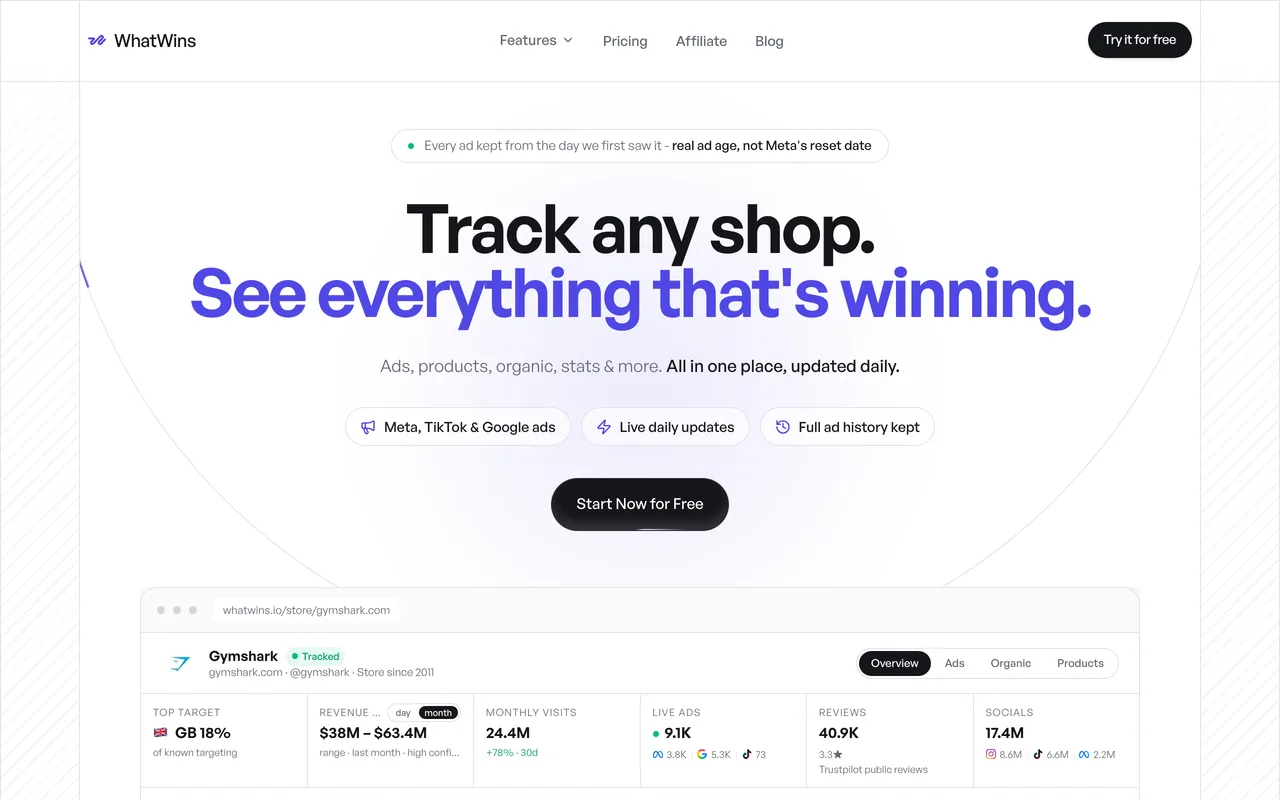
Two design choices make it useful for tracking rather than browsing. Ads are kept from first sighting, so you can see a campaign's real age and spot when a rival starts scaling. And organic posts are scored against each account's own baseline, so a genuine breakout from a smaller account surfaces instead of being buried under a big account's ordinary day.
The Shop Tracker side adds the commercial context — catalogue, price points, traffic estimates, target markets, and continuous tracking turns that into an ongoing watch rather than a one-off lookup.
Best for: ecommerce brands, agencies and growth teams tracking what rivals promote. Watch for: it does not track backlinks or keyword rankings — pair it with Ahrefs or Semrush. Pricing: $39/mo Starter, $79 Pro, $149 Business, ~30% off annually, flat team seats.
2. Ahrefs — best for search, content and backlinks
Ahrefs remains the reference for the search side: which keywords a competitor ranks for, which pages earn it, and who links to them.
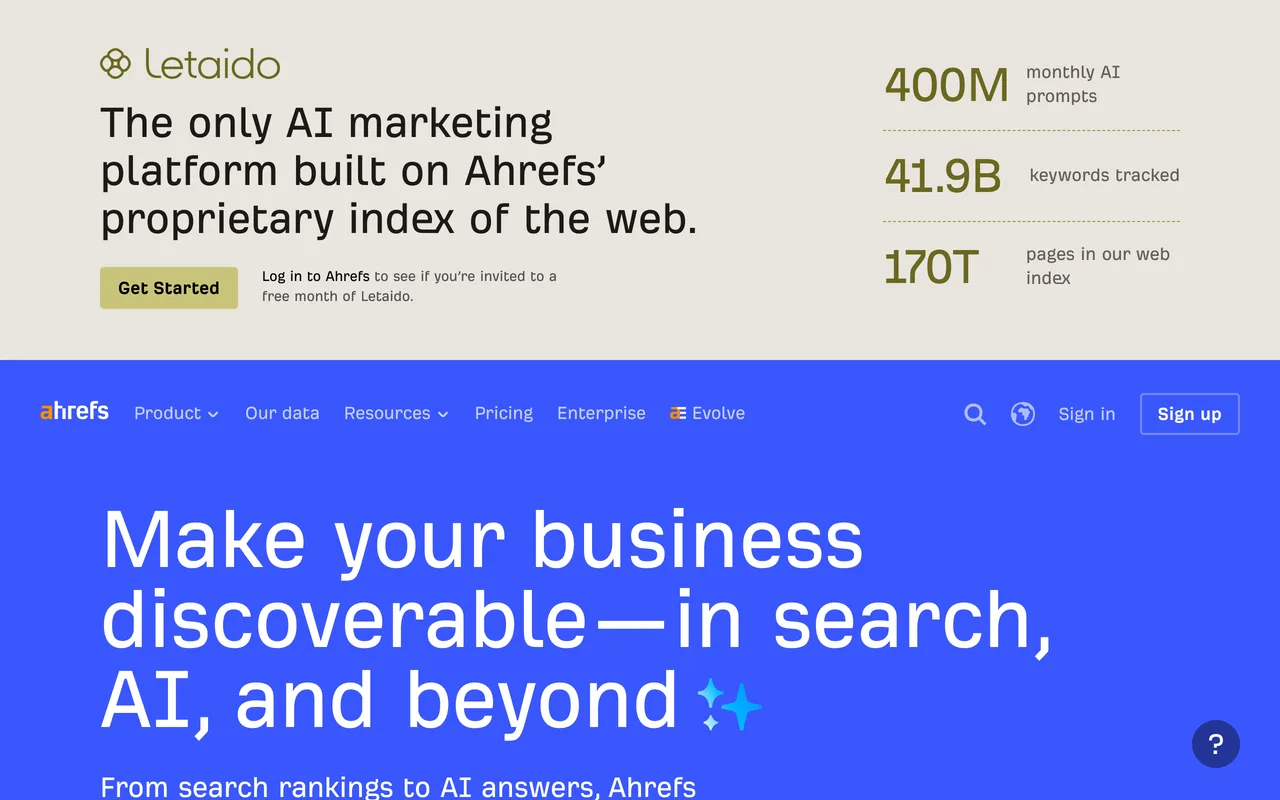
For tracking specifically, the backlink alerts are the underrated feature. A competitor suddenly acquiring links from industry publications usually means a PR push or a funding announcement, often before either shows up anywhere else.
Best for: SEO and content teams; anyone doing link-gap analysis. Watch for: no advertising creative data. Priced for professionals rather than solo operators.
3. Semrush — best all-in-one if you want fewer subscriptions
Semrush covers more ground than Ahrefs — search, some advertising, social, PR mentions, with the usual tradeoff that breadth costs depth in any given area.
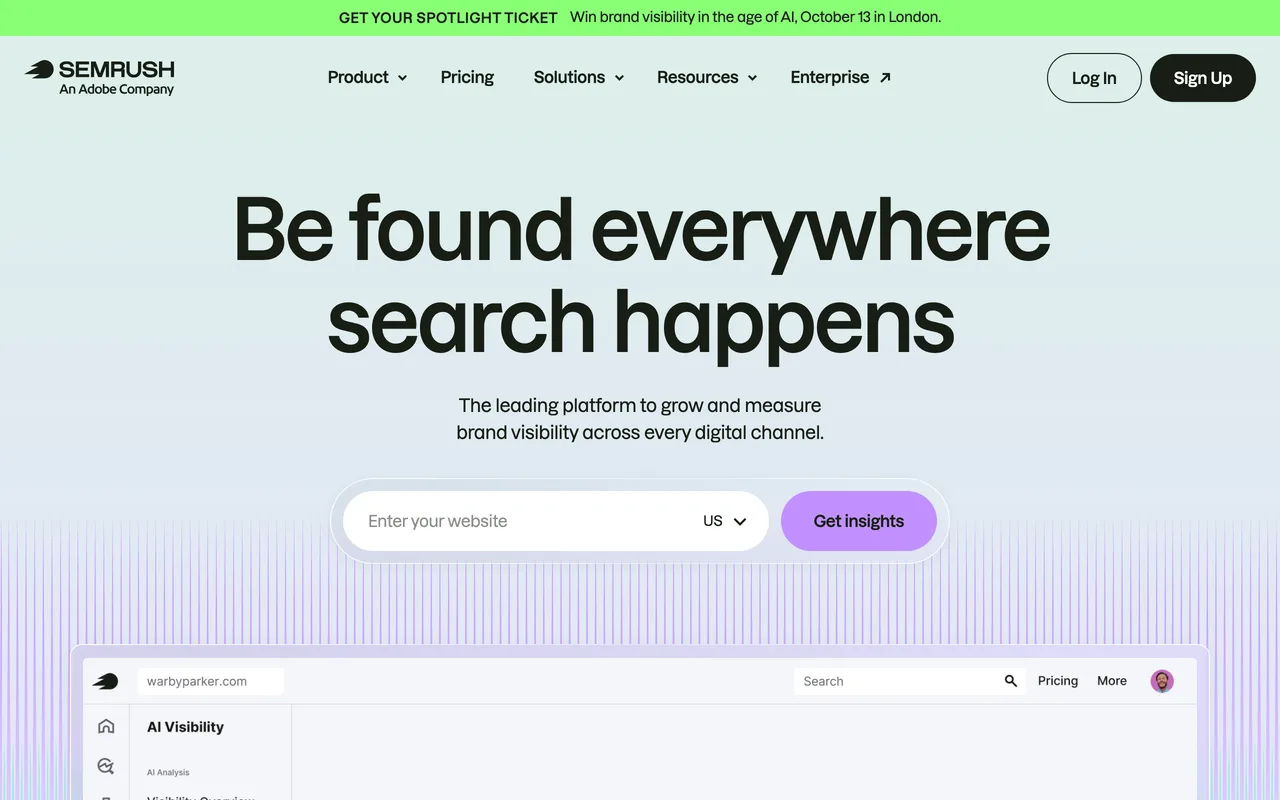
For a team that wants one bill and acceptable coverage everywhere rather than best-in-class anywhere, it's the pragmatic answer.
Best for: teams consolidating tools. Watch for: the features you want are often on a higher tier than the one you signed up for. Its advertising data is search-led; see best ad intelligence tools for that side.
4. SimilarWeb — best for traffic and market share
SimilarWeb answers the question everyone asks first: how big are they, really? Traffic estimates, channel mix, geography and audience overlap.
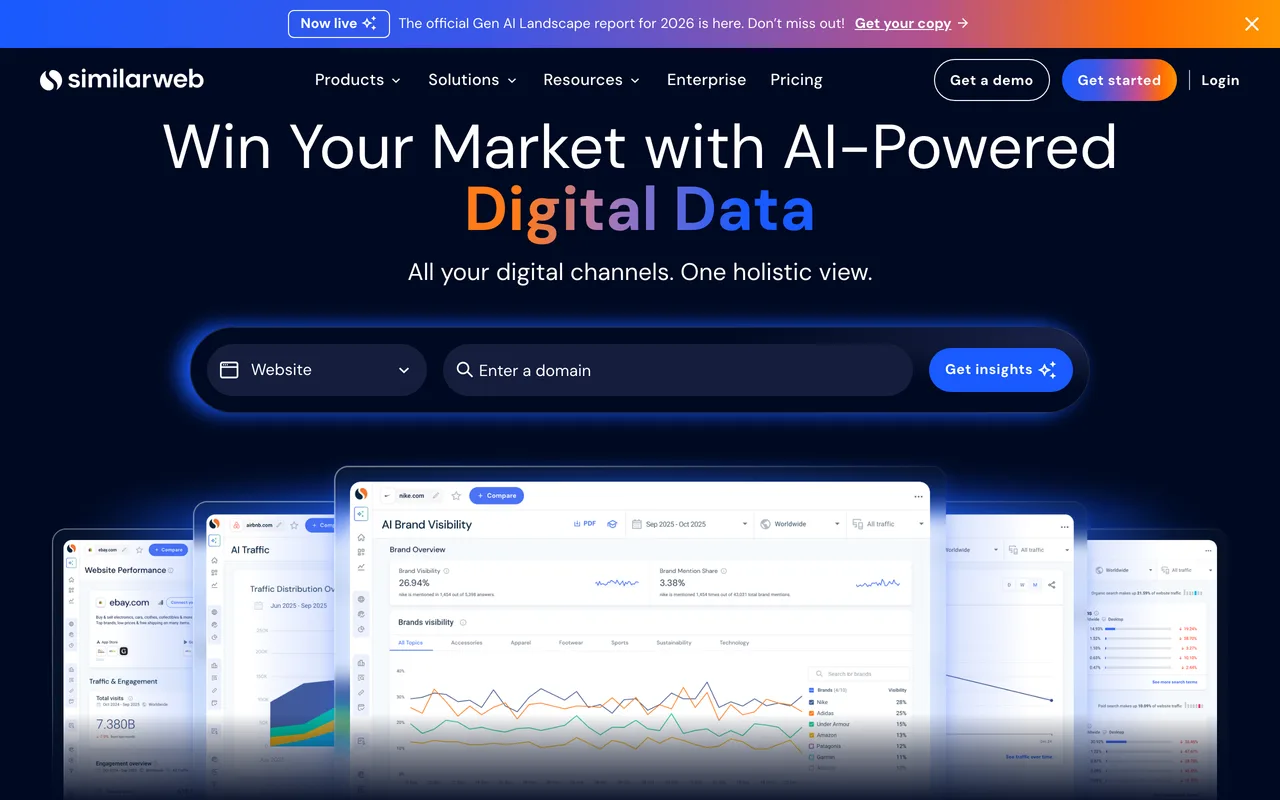
Its value in a tracking context is trend, not absolute number. Estimates are modelled and can be well off for smaller sites, but the direction over months is informative.
Best for: market sizing, channel-mix analysis, board reporting. Watch for: treat absolute figures as directional, especially under ~50k monthly visits. Enterprise pricing for the good data.
5. Visualping — best cheap page-change monitoring
Visualping does one boring thing well: it watches a URL and tells you when the page changes. Point it at competitor pricing pages, feature pages and careers pages.
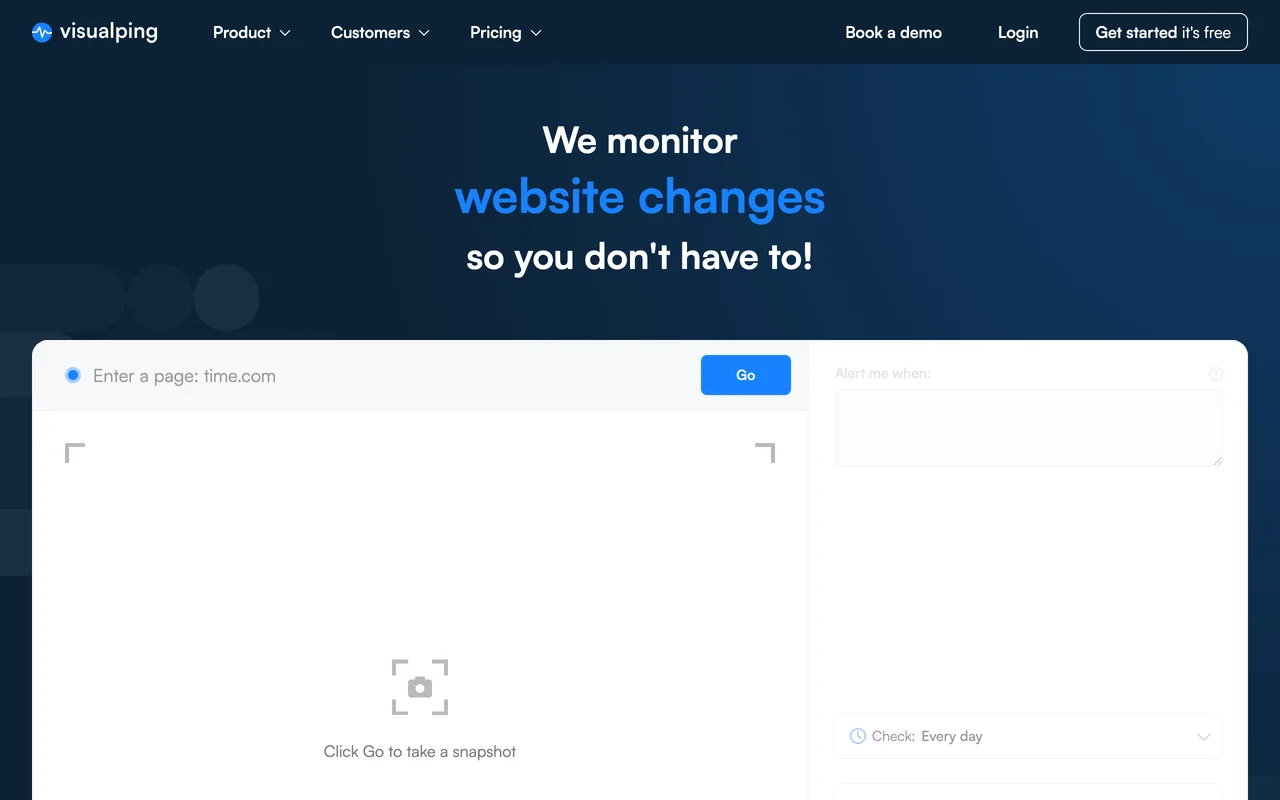
It is by far the best value per insight in this list. Pricing changes and quiet feature launches are high-signal events, and this catches them for a few dollars a month.
Best for: pricing and positioning watch on a small budget. Watch for: it tells you that something changed, not what it means. Dynamic pages generate false positives.
6. Crayon — best for a formal CI programme
Crayon is built for competitive-intelligence functions inside larger companies: aggregate competitor changes across many sources, then package them into battlecards for sales.
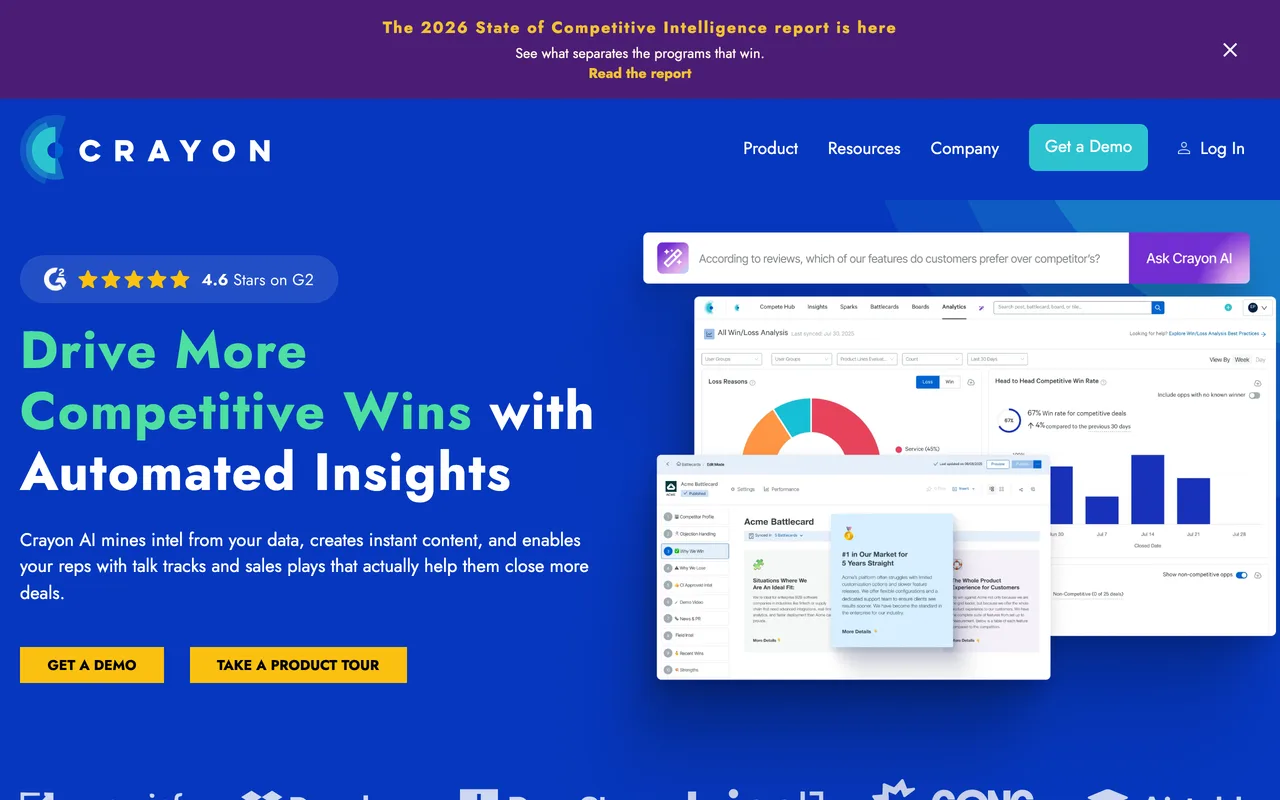
If the output of your competitor tracking is a document that a sales team uses in live deals, that's the job this is built for.
Best for: B2B companies with a dedicated CI or product-marketing function. Watch for: heavy for a small team, and the ecommerce advertising angle isn't its focus.
7. Owler — best lightweight company watch
Owler covers company-level news: funding, leadership changes, acquisitions, headcount signals. Free tier available.
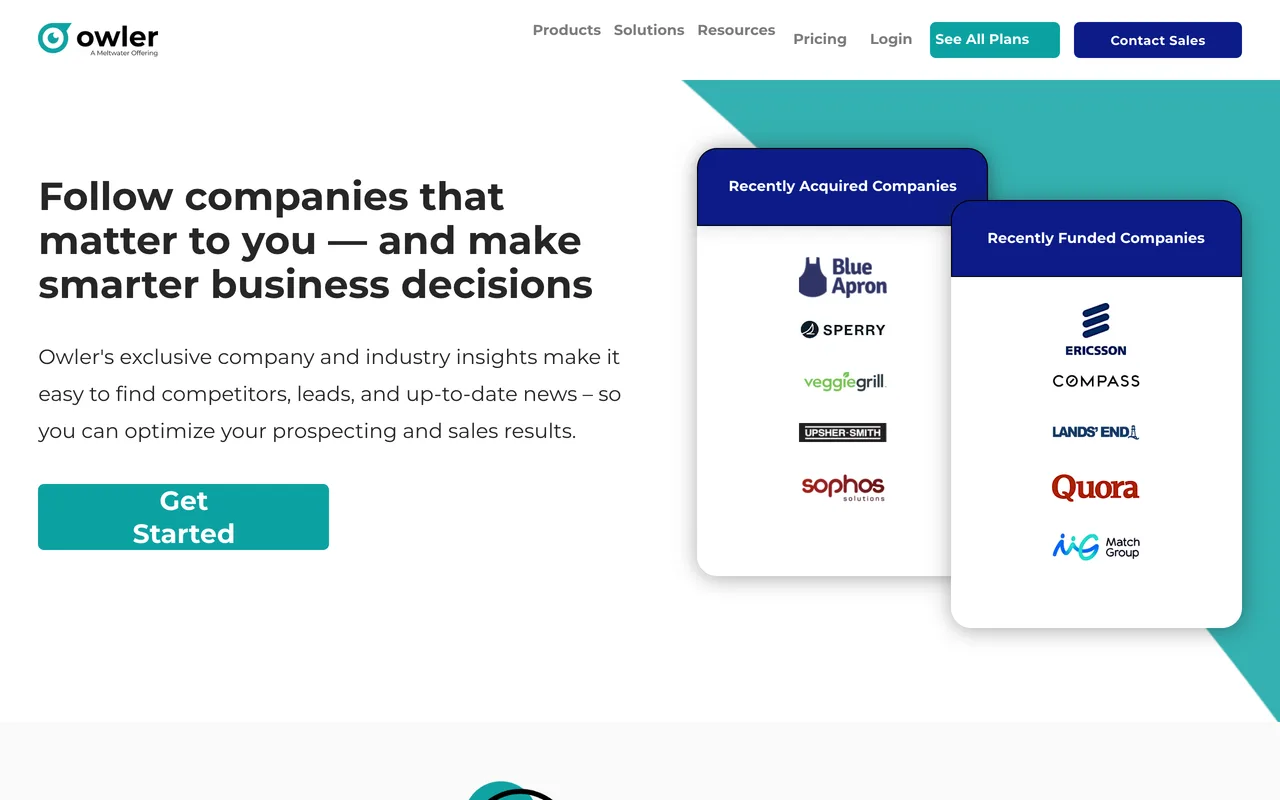
Not a marketing tool, but funding rounds and executive hires reliably precede strategy changes.
Best for: watching corporate moves cheaply. Watch for: no channel-level marketing data at all.
Compared
| Tool | Tracks | Alerts | Best signal | Entry price |
|---|---|---|---|---|
| WhatWins | Ads + organic + stores | Yes | What they're promoting now | $39/mo |
| Ahrefs | Search, content, backlinks | Yes | New links and rankings | Mid to high |
| Semrush | Broad, search-led | Yes | Coverage in one bill | Mid to high |
| SimilarWeb | Traffic, channel mix | Yes | Direction over months | Enterprise |
| Visualping | Any web page | Yes | Pricing and page changes | Low |
| Crayon | Cross-source CI | Yes | Sales battlecards | Enterprise |
| Owler | Company news | Yes | Funding, leadership | Free tier |
A tracking setup that survives month two
Pick three competitors, not fifteen. Two direct, one you think is doing something interesting.
For each, watch four things: what they're advertising, what's working organically, what their pricing page says, and their search trend. That's WhatWins plus Visualping plus one search tool, a workable stack for well under $150/mo.
Then set a fixed review slot. Alerts feed a queue; the queue is useless without a standing thirty minutes to read it. Most competitor tracking dies not because the tools failed but because nobody owned the review.
And write down what you'd do differently if a signal fires. "Competitor launches a cheaper tier" should have a prepared response, or the alert is just news.
Frequently asked questions
What's the difference between competitor tracking and competitor analysis?
Analysis is a snapshot: a study you produce at a point in time. Tracking is continuous: monitoring specific signals and being notified when they change. Analysis tells you where you stand today; tracking tells you when that stopped being true.
How many competitors should I track?
Three to five actively. Beyond that, monitoring becomes a job nobody does. Track direct competitors you lose deals to, plus one or two adjacent players whose moves tend to predict the market.
Can I track competitors for free?
Partly. Meta Ad Library and Google Ads Transparency Center cover advertising checks. Owler has a free tier for company news. Google Alerts catches mentions. The gap in free tooling is continuous monitoring with useful alerting, that's what you're paying for when you upgrade.
Is competitor tracking legal?
Monitoring public information, ads, websites, pricing pages, public social accounts, is normal business practice. What isn't acceptable is accessing private systems, misrepresenting yourself to obtain information, or scraping personal data. Stick to what's published and you're on solid ground.
Which competitor tracking tool is best for ecommerce?
Ecommerce competition plays out mostly in advertising and product, so the highest-value signals are which ads run, how long they run, and what the store sells. That's WhatWins' focus. Pair it with a search tool if organic traffic matters to your model.
The bottom line
Competitor tracking works when it's narrow, continuous and owned. Three competitors, four signals, one recurring review.
For the part that moves fastest, what your competitors are actually promoting, WhatWins gives you live ads across Meta, TikTok and Google, honest ad age, organic breakouts scored against each account's own baseline, and store dossiers, with flat team pricing.
Start a free trial or compare plans on the pricing page. Next: best ad intelligence tools and best social media competitor analysis tools.